


Delta Fly Scripts Explained: What They Do
A delta fly script is a piece of Lua code that lets your Roblox character move through the air instead of following normal gravity and walking rules. This guide explains what it does, why it breaks, and what risks players report. It contains no code to copy, on purpose.
Last reviewed: October 2026
In This Guide
- Quick Answers
- What a delta fly script actually does
- How fly scripts work (the simple version)
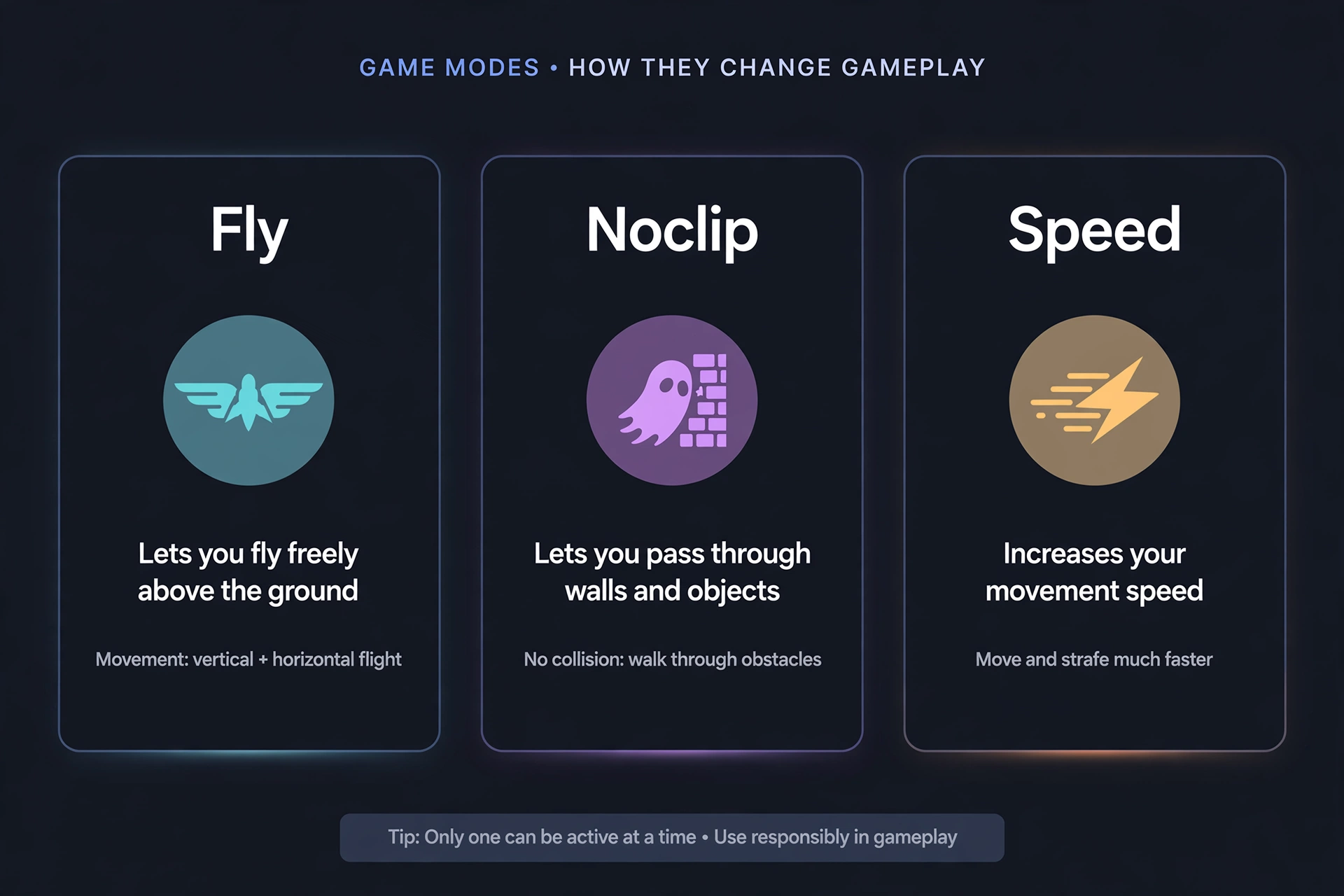
- Fly vs noclip vs speed scripts
- Fly script Delta Executor: mobile and PC notes
- Delta fly script copy and paste: why it is risky
- The honest risks of fly scripts
- Final takeaway
Quick Answers
This is an independent guide. We are not affiliated with Roblox or the makers of Delta Executor. Using scripts breaks Roblox’s rules, and nothing here is a guarantee of safety.
| Question | Short answer |
|---|---|
| Is using a fly script risky? | Yes. Flying is widely described as one of the easiest script behaviors to notice, both for game anti-cheat and for other players who can report you. |
| Where do I find scripts without pasting random code? | Start with a curated library such as our Delta Executor scripts library, and use an alt account for anything you try. |
What a delta fly script actually does
A delta fly script changes how your character moves. It is not a new game mode or a hidden button. It is extra code that runs alongside the game and pushes your character around in ways the developer did not plan for.
Roblox runs a lot of character movement on your own device. That is the core idea. Your client calculates where you are, and the server largely accepts what your client reports, within whatever limits the developer has built.
A fly script takes advantage of that. It tells your character to ignore the usual pull of gravity or to apply its own steady force, so you stay up and glide in the direction you choose.
Most scripts of this type add some basic controls. Players commonly describe toggles for turning flight on and off, and sliders or settings for how fast you travel.
Who uses them, and why
Based on what players say in community forums and videos, the reasons are fairly ordinary:
- Exploring maps to see areas that are normally out of reach.
- Getting around large worlds faster.
- Skipping obstacle courses or platforming sections.
- Curiosity about how Roblox movement works.
It helps to separate this from official flight. Many games include flying as a designed feature, such as a gamepass, a power, or an admin command. That is built and allowed by the developer. A fly script that you run through an executor is not.
How fly scripts work (the simple version)
Confirmed concept: a fly script modifies your own character’s movement state or applies forces to it. It does this from your device, using the extra access an executor provides.
Think of it as three simple jobs:
- Detect your input. It reads which direction you want to go.
- Cancel normal falling. It stops gravity from pulling you down, or adds a counter-force.
- Move you in that direction. It nudges your character along each moment so you drift or glide.
That is the whole idea. The details differ from script to script, and we are not going to publish them here.
Why they break when games update
This is community knowledge, but it is consistent across player reports. A script is written against how a specific game or the Roblox client behaved at one point in time. If a developer changes how movement works, adds a new check, or restructures their game, a script that relied on the old behavior can stop working or throw errors.
Roblox client updates can also affect executors themselves. When the executor changes, scripts that depend on it may behave differently. If you hit an error message, our Lua validator tool can help you spot basic syntax problems, though it cannot tell you whether a script is trustworthy.
Fly vs noclip vs speed scripts
These three come up together constantly. They change different things, and players report different levels of attention from anti-cheat.
| Script type | What it changes | Typical use | Community-reported detection risk |
|---|---|---|---|
| Noclip | Collision, so you pass through walls and floors | Entering closed areas, shortcuts | Often described as high, because position can jump through solid objects |
| Speed | How fast you travel on the ground | Faster travel, racing | Often described as moderate to high, depending on how extreme the speed is |
Treat the last column as player opinion, not verified fact. Nobody outside a game’s own team knows exactly what that game checks. A “moderate” label does not mean a speed script is safe, and no label on this table should be read as permission.
Fly script Delta Executor: mobile and PC notes
Delta Executor is marketed for both mobile and PC, so people ask whether a fly script Delta Executor setup behaves the same on each. We cannot verify that for any specific script.
What we can say conceptually is that controls differ. On PC, movement is usually tied to keyboard keys. On mobile, scripts often rely on on-screen controls or the existing joystick. Player reports vary on how well any given script handles touch input, so expect inconsistency.
If a script fails to run at all, the cause could be the script, the game, an outdated executor, or a syntax error. We do not claim any script works. Test on an alt account and treat every result as temporary.
Delta fly script copy and paste: why it is risky
Many people search for a delta fly script copy and paste option, meaning a block of code they can drop into the executor. We do not publish those, and here is the honest reason.
When you paste code you cannot read, you are trusting a stranger. Players and security-minded community members frequently warn that scripts can contain hidden behavior, such as attempts to grab account information or load other code from elsewhere. We cannot confirm how often this happens, but the warning is common enough to take seriously.
A few practical points about the delta fly script copy and paste habit:
- A line of code that looks harmless can still pull in something you did not intend.
- Links shared in comments, videos, and chat servers are a common route for scams.
- Anyone asking for your account details or cookies is not offering a script. Do not share them.
- Popularity of a script is not proof that it is trustworthy.
If you want a place to start browsing, use our script library. It is a starting point, not a guarantee. Review what you run and keep your main account out of it.
The honest risks of fly scripts
Use an alt account. If you experiment at all, never use an account you care about. Do not use an account with purchases, limited items, or progress you would hate to lose.
“Undetected” claims are not true. You will see scripts advertised as undetected, safe, or verified. Nobody can promise that. Detection depends on the game, on server-side checks you cannot see, and on Roblox’s own systems, all of which can change without notice. A claim of “undetected” really means “nobody has reported getting caught yet.” Treat it as marketing.
Flying is easy to notice. This is the most consistent theme in player reports. Server-side anti-cheat can flag unnatural movement, like staying in the air with no legitimate reason, moving at impossible speeds, or appearing in places you should not reach. Other players can also see you floating and report you, which is another route to attention.
What users report happens on detection
These are reports, not guarantees, and outcomes vary a lot:
- Being kicked from a single game.
- Being banned from that specific game by its developer.
- Account-level moderation from Roblox in more serious cases.
- Losing access to an account entirely.
Roblox’s rules prohibit exploiting and unauthorized third-party software, and penalties can go up to permanent termination. Developers can also ban exploiters from their own experiences on their own. For a deeper look, read our guide on whether you can get banned for using Delta Executor.
Beyond bans, there is the broader risk of downloading unvetted software. That is arguably the bigger danger for most people.
Final takeaway
A delta fly script is simple in concept: it overrides your character’s movement from your own device. It is also one of the most visible script behaviors, and claims of safety are not something anyone can back up.
If you decide to experiment anyway, use an alt account, avoid pasting code you do not understand, and expect things to break. Building flight into your own game in Roblox Studio is the one route that is fully allowed.
Frequently Asked Questions
What does a fly script do?
Do fly scripts work on mobile Delta?
Why did my fly script stop working?
Can you get banned for flying?
What is the difference between fly and noclip?
Where can I find scripts safely?
Related Guides
Delta Executor Scripts Library
Read this related guide on xdeltaexecutor.com.
Can You Get Banned for Using Delta Executor?
Read this related guide on xdeltaexecutor.com.
Blox Fruits Scripts for Delta Executor
Read this related guide on xdeltaexecutor.com.