

This glossary covers general Roblox executor terms; for Delta-specific terms see Delta Executor Glossary.
Roblox Executor Glossary (Every Term Explained)
This roblox executor glossary explains the vocabulary you will meet when reading about Delta Executor and similar tools. It is written for beginners who find executor terms confusing, such as “attach,” “UNC,” or “key system.” Each entry is short, plain, and meant to be quotable on its own.
All definitions here are in general terms. They describe how the community uses these words, not how any one tool behaves on any given day. Nothing on this page is a recommendation, a guarantee, or a how-to. If you want a shorter overview first, the Delta Executor glossary post covers the basics. This page goes deeper.
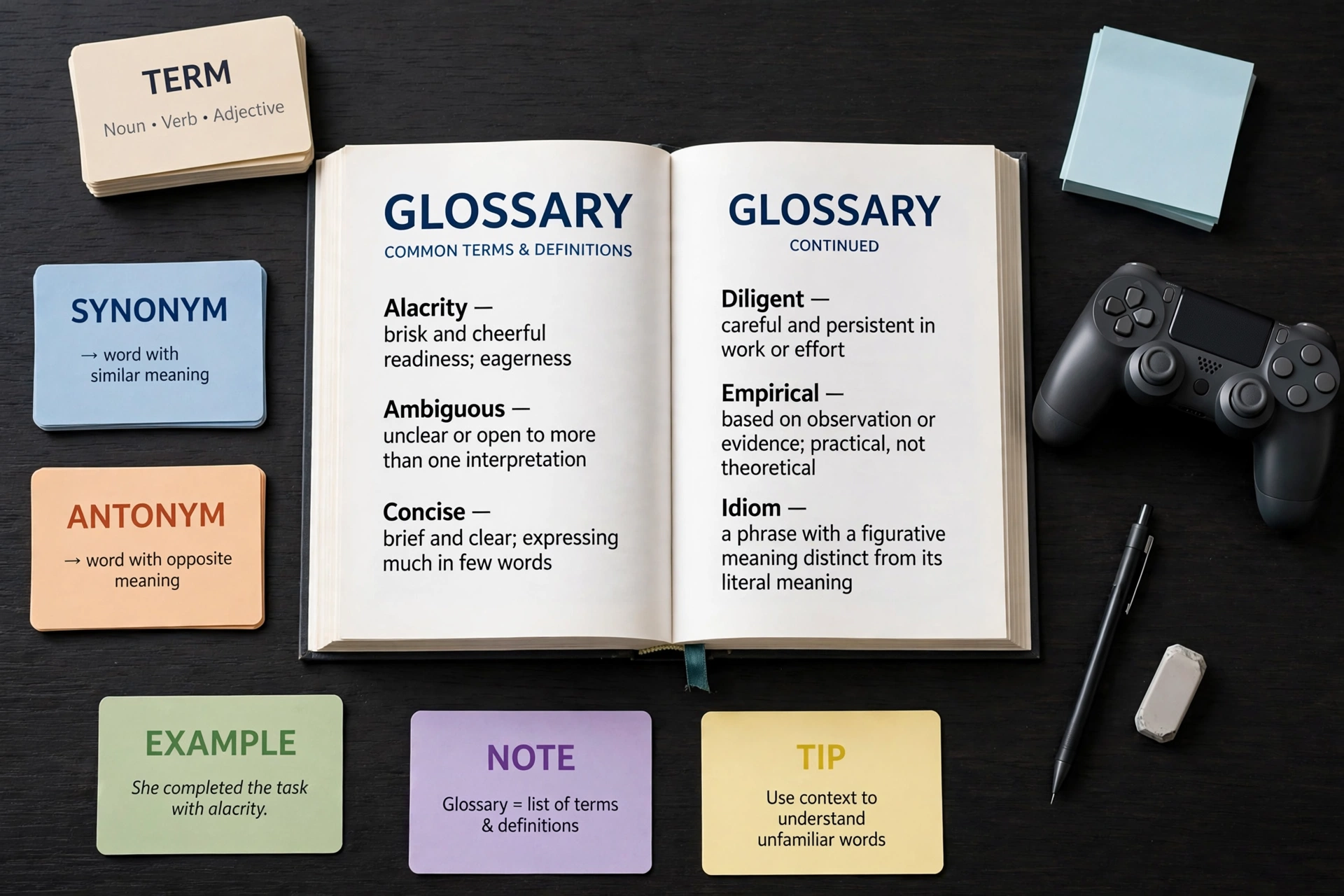
Roblox Executor Glossary: Quick Answers
| Question | Short answer |
|---|---|
| What is an executor? | A program that lets a person run custom Lua-based scripts inside a Roblox game session. |
| What is a script? | A text file of instructions written in a programming language, usually Lua or Luau. |
| What is UNC? | A community naming standard that describes which extra functions an executor is expected to offer. |
| Why do terms matter? | Mixing up words like “script” and “hub” or “ban” and “detection” leads to wrong assumptions and bad decisions. |
Executor vocabulary comes from several places at once: programming, game modding, and online community slang. Many terms are used loosely, and two people may mean slightly different things by the same word.
Learning the terms first helps in three ways:
- You can read guides without stopping every few lines.
- You can spot misleading claims, especially on download pages.
- You can ask better questions in forums.
Roblox Executor Glossary: Core Executor Terms
These are the words you will see on almost every page about executors. This section of the roblox executor glossary covers the foundation.
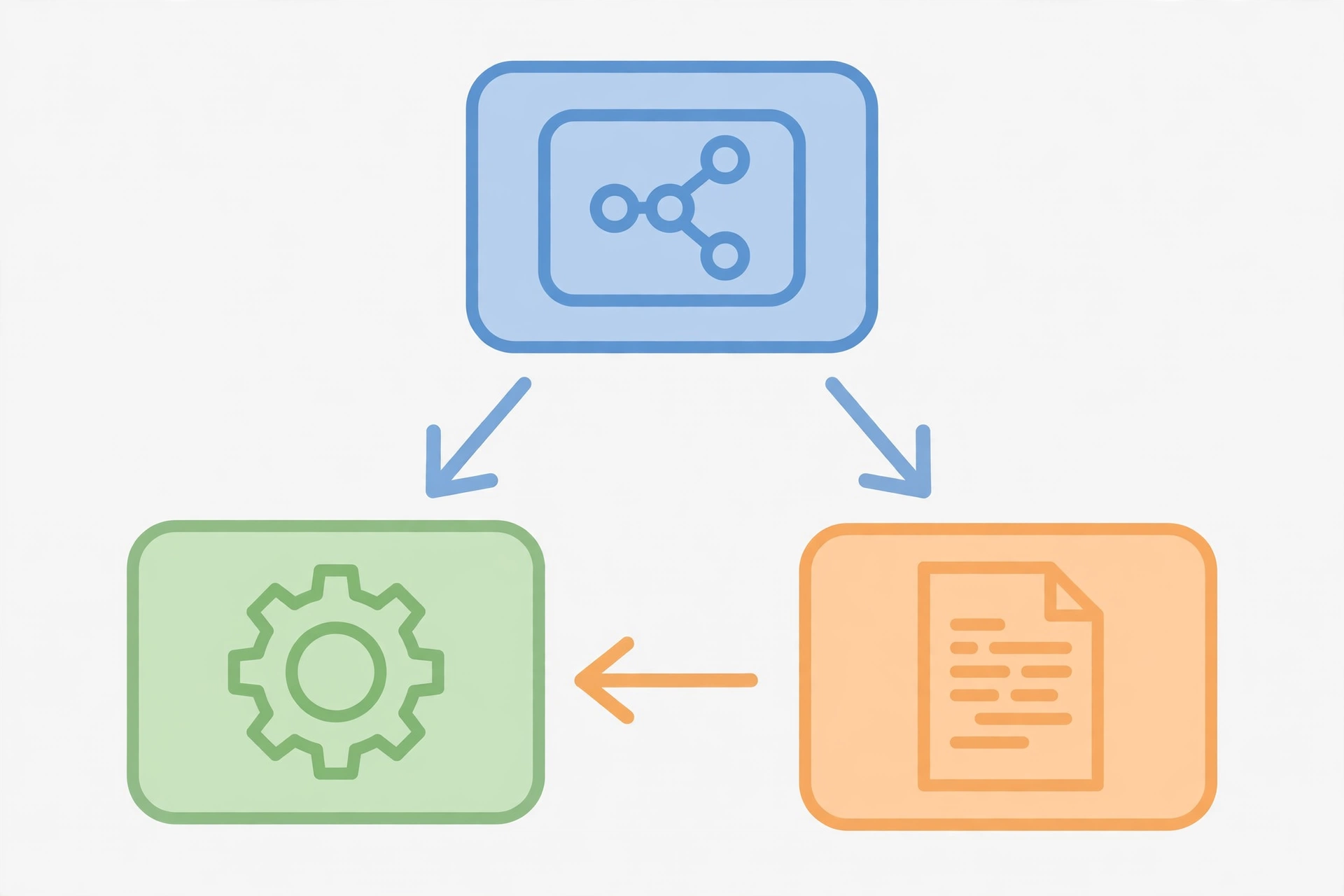
Executor. An executor is a program that lets a user run scripts inside a Roblox session. Delta Executor is described by its community as a mobile and PC executor. The word “executor” describes the category of tool, not a promise about quality or legitimacy.
Script. A script is a text file containing instructions for a computer. In the Roblox context, scripts are written in Lua or Luau. A script can be tiny, doing one small thing, or large, with menus and many options.
Script hub. A script hub is a collection of scripts bundled together, often with a menu that lets the user choose between them. The hub is a package, while each item inside it is a script. People mix these up constantly, which is why it appears in the FAQ below.
Key system. A key system is an access gate used by some tools or hubs. The user is asked to obtain a “key,” usually a text string, before the tool will continue. Developers use key systems for reasons like tracking access or earning revenue from ad links. Because key pages are a common place for misleading links, treat any key-related page with caution and rely on official sources.
Attach. Attach is community slang for connecting an executor to a running Roblox game session so that it can interact with it. You will often see “attached” or “not attached” in discussions. The word describes a state, not a guarantee that anything will function.
Inject. Inject is an older and closely related word. It describes placing external code into a running program. Many people use “inject” and “attach” interchangeably, though some communities reserve “inject” for the technical step and “attach” for the overall connection.
Execute. To execute is to run a script. In executor discussions, “execute” is the action that happens after a script has been loaded and the executor is connected. It is the same meaning the word has in general programming.
Roblox Executor Glossary: Scripting Terms Explained
Scripts are written in programming languages, so a little language vocabulary goes a long way. This part of the delta executor glossary explains what those words mean in plain language. For a gentler introduction to the language itself, see the Roblox Lua scripting basics guide.
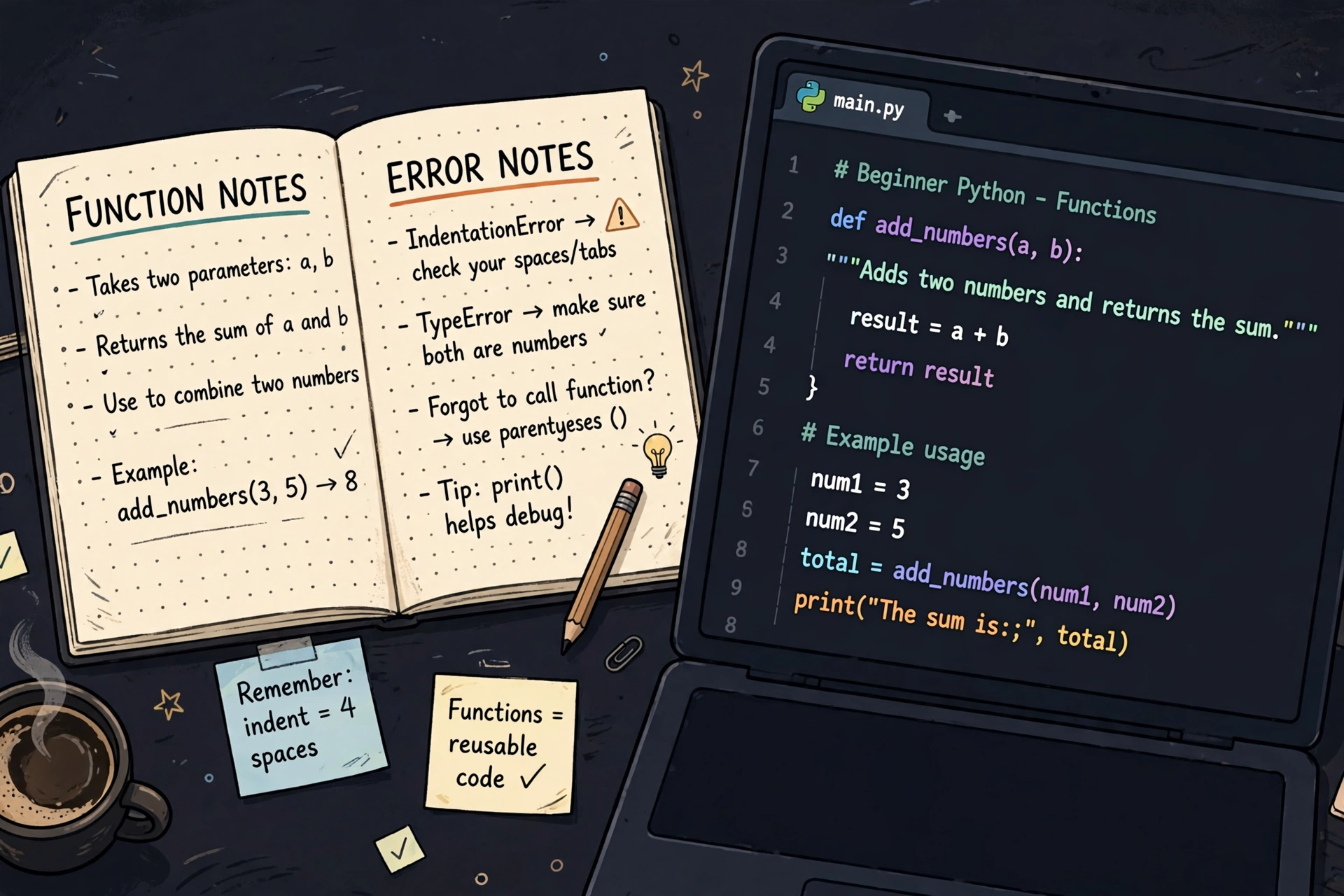
Lua. Lua is a lightweight programming language used in many games and applications. It is known for being compact and readable, which is one reason it is popular for scripting.
Luau. Luau is Roblox’s own version of Lua. It started from Lua and was extended and tuned for Roblox, with additions such as optional type annotations. When people say “Roblox Lua,” they usually mean Luau in practice. The two are closely related, but they are not identical.
Loadstring. Loadstring is a concept in Lua-style languages. It describes turning a piece of text into something the program can run. In executor conversations, the word comes up because scripts are sometimes shared as short text that fetches and runs other text. This entry is only a definition. Running text that came from an unknown place is a real risk, and you should never run anything you do not understand and trust.
Obfuscation. Obfuscation means deliberately rewriting code so that it is hard for a person to read. The code still does the same thing, but it looks scrambled. Developers sometimes obfuscate to protect their work. It also makes it harder for anyone to inspect what a script really does, which is a reason for extra caution.
API. API stands for application programming interface. It is a defined set of tools that one piece of software offers to another. For example, Roblox provides an API that scripts use to ask for things like a player’s name or a part’s position. An executor may add its own extra functions on top, which is where UNC comes in.
UNC. UNC is a community naming standard for executor functions. In simple terms, it is a shared checklist that describes which extra functions an executor is expected to support, so that script writers know what they can rely on. A UNC result is a rough indicator at best. It does not prove that a tool is safe, current, or suitable for any purpose.
Function. If a script is a recipe, a function is one repeatable step in it, like “chop the onions.” Scripts are usually built from many functions.
Error. An error is a message telling you that code could not run as written. Errors are normal in programming and are not always a sign that something is broken beyond repair. They can come from a typo, a missing function, or a mismatch between the script and the environment. Reading the error text is usually the first step in understanding what went wrong.
Executor Terms Explained: Safety and Account Terms
Executor terms explained in this section deal with risk. These words matter most because they relate to your account, your device, and your data. General definitions only, with no promises about any tool.

Ban. A ban is a penalty that removes access to an account or a game. Platforms set their own rules, and breaking them can lead to a ban. Using third-party tools can carry the risk of penalties, and no guide can remove that risk.
Detection. Detection means a platform noticing that something unexpected is happening and flagging it. Detection systems change over time. For that reason, you should be skeptical of any site that claims a tool is “undetected,” since nobody outside the platform can promise that.
Revoke. To revoke is to withdraw something that was previously granted. On some mobile platforms, an app’s signing certificate can be revoked, which stops the app from opening until it is replaced. More broadly, a key or access right can also be revoked by whoever issued it. If you see “revoked” in a discussion, it usually means access was cancelled by the issuer.
Fake executor. A fake executor is a program or page that pretends to be a genuine executor but is actually something else, such as an ad trap, a data harvester, or malware. Fake executors often use real brand names, copied logos, and urgent language. The word “fake” does not describe a real tool that is merely outdated. It describes a deceptive one.
Official source. An official source is the place a developer or team publishes its own information, such as a site or channel they control. This independent site is a guide and is not the developer’s page. Whenever a guide, including this one, points you to a source, check that it is the developer’s own channel and not a copy.
How to Use This Delta Executor Glossary
The simplest way to use a glossary is to read the term, then follow the linked guide for the full explanation. Each entry here is deliberately short. It tells you what a word means in general terms, not everything you might need to know.
A good habit is to keep this page open while you read other guides. When an unfamiliar word appears, look it up here, then go back to what you were reading.
Here is a short routine that works for most beginners:
- Find the term in the section that matches its topic: core, scripting, or safety.
- Read the short definition and note any caution it contains.
- If the term is about language, read the Lua scripting basics guide.
- If the term is about whether something is currently available, check the status page and the developer’s own channels.
Remember that definitions stay fairly stable, but the situation around any tool changes. A glossary explains words. It does not tell you what is true about a particular tool today.
Roblox Executor Glossary: Frequently Asked Questions
A script is a single set of instructions, while a hub is a bundle that contains many scripts, usually with a menu. Think of a script as one song and a hub as a playlist. Both are made of code, but the hub is the container.
Attach means connecting an executor to a running Roblox session so the two can interact. It is community slang rather than an official term. People also say “inject,” and the two words overlap heavily in everyday use.
UNC is a shared checklist that describes which extra functions an executor is expected to offer. Script writers use it to know what they can depend on. A high UNC result does not mean a tool is safe or suitable, so treat it as one rough data point and nothing more.
A key system is an access gate that asks you to get a key before a tool or hub will continue. Developers use them for reasons such as access control or revenue. Key pages are a common spot for misleading ads and fake downloads, so be careful and stay with official sources.
Executors stop working mainly because the platform they depend on changes. When Roblox updates its game client or its protections, tools that relied on the older behavior can break until their developers adjust them. Other causes include revoked access, expired keys, and mismatched versions. Check the status page for general information, and confirm details with the developer.
Start with vocabulary, then the language, and only then the tools. Read this glossary, then the Lua basics guide so you understand what a script actually is. Understanding the terms first makes it much easier to recognize misleading claims later.
Related Guides
- Delta Executor glossary (short version): a quick overview of the most common terms.
- Roblox Lua scripting basics: a plain-language introduction to the language behind scripts.
- Delta Executor status: general information on availability and what to check before you rely on a tool.
xdeltaexecutor.com is an independent guide site. It is not affiliated with Roblox or with the developers of any executor. Definitions on this page are general and educational. They are not endorsements, and they make no claim that any tool is safe, current, or free from risk to your account.