

Delta Executor Old Version Archive
This page is a reference for people searching for Delta Executor old versions. It explains why older builds rarely work, why people still look for them, and what to do instead.
Here is the honest position up front. Old builds are very likely incompatible with the current Roblox client. This page does not list specific builds and provides no download links or download buttons. It is an independent guide, not an official source.
Delta Executor Old Versions: Quick Answers
| Question | Short answer |
|---|---|
| Can I download an old version here? | No. This page provides no download links and lists no specific builds. |
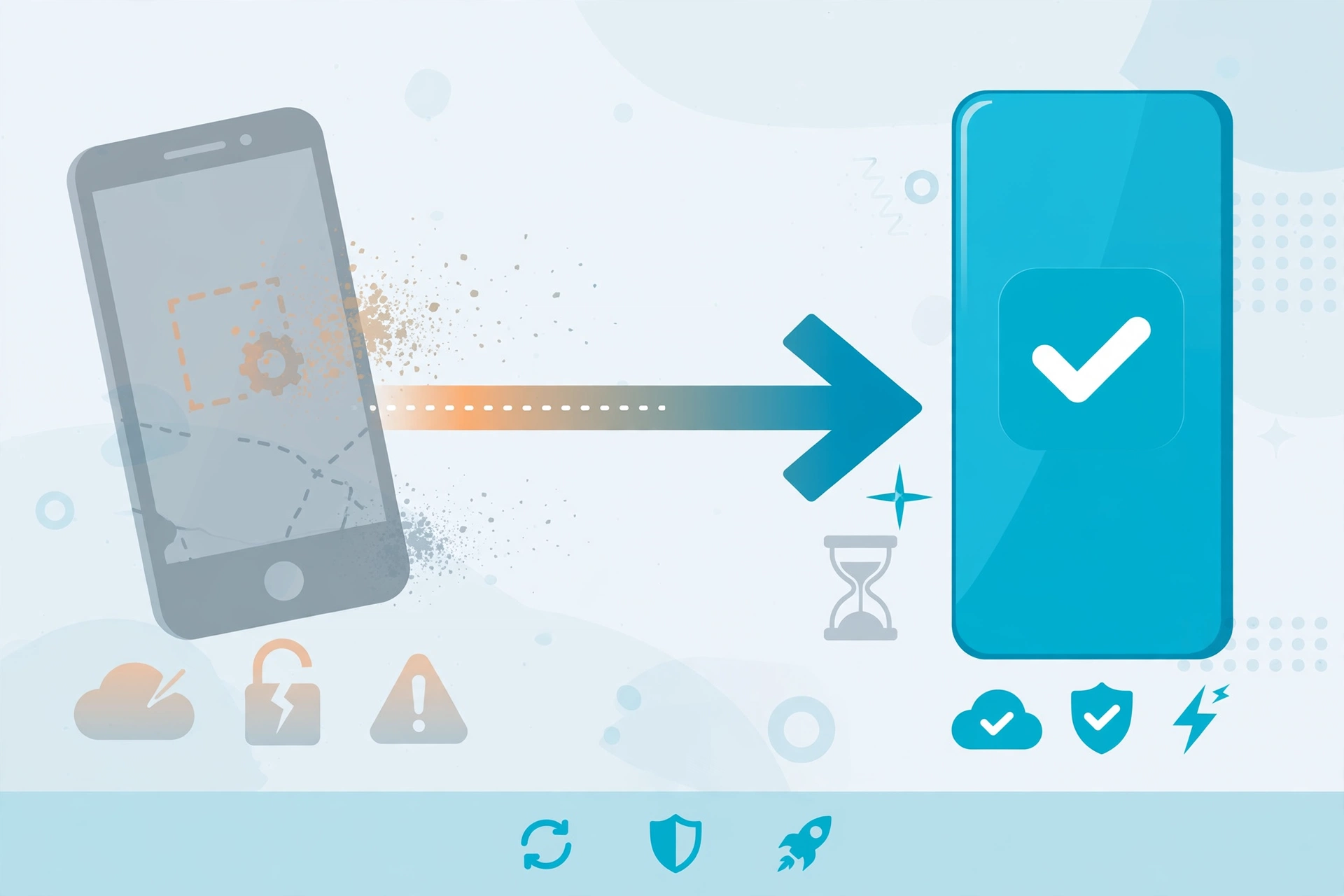
| Do old versions still work? | Most likely not. Old builds are probably incompatible with the current Roblox client. |
| Why do people look for old versions? | Usually nostalgia, a favourite feature, or a script that stopped working after an update. |
| What should I use instead? | The current version from the official source. See the Delta Executor status page for the latest information. |
Why Delta Executor Old Versions Usually Do Not Work
An old build is built for an older Roblox client. Roblox changes its client regularly, and an executor has to keep up with those changes to function at all.
Roblox updates its client often. Each update can change how the game loads, runs code, and checks what is running alongside it.
Protections also change over time. Roblox adjusts its anti-cheat and integrity checks, and tools that were built before those changes may no longer get past them.
Old builds then mismatch the current client. A tool made for one version of the client may fail to launch, crash, or do nothing on a newer one.
This is why searches for “delta executor old versions” so often lead to disappointment. The age of a build is the problem, not the way you installed it.
None of this is specific to one tool. It applies to any executor that depends on a client it does not control.
Why People Still Search for an Old Delta Executor Download
People look for an old Delta Executor download for understandable reasons. Most are not looking to cause trouble.
Nostalgia is one. Some users remember how a tool looked or felt at an earlier point and want that experience back.
A favourite feature is another. If a layout, option, or workflow changed in a later release, people sometimes want the earlier arrangement.
A broken script is a third. When a script stops working after an update, it is natural to think an earlier build would fix it.
That last idea usually fails. If a script stopped working, the cause is often a change in the game or the Roblox client, not the executor version. Going backwards does not undo those changes.
In general terms, the demand for delta executor previous versions comes from wanting something familiar to return. The practical reality is that the platform has moved on.
Risks of Using an Old Build
Using an old build carries extra risk compared with the current version. These risks are described here in general terms.
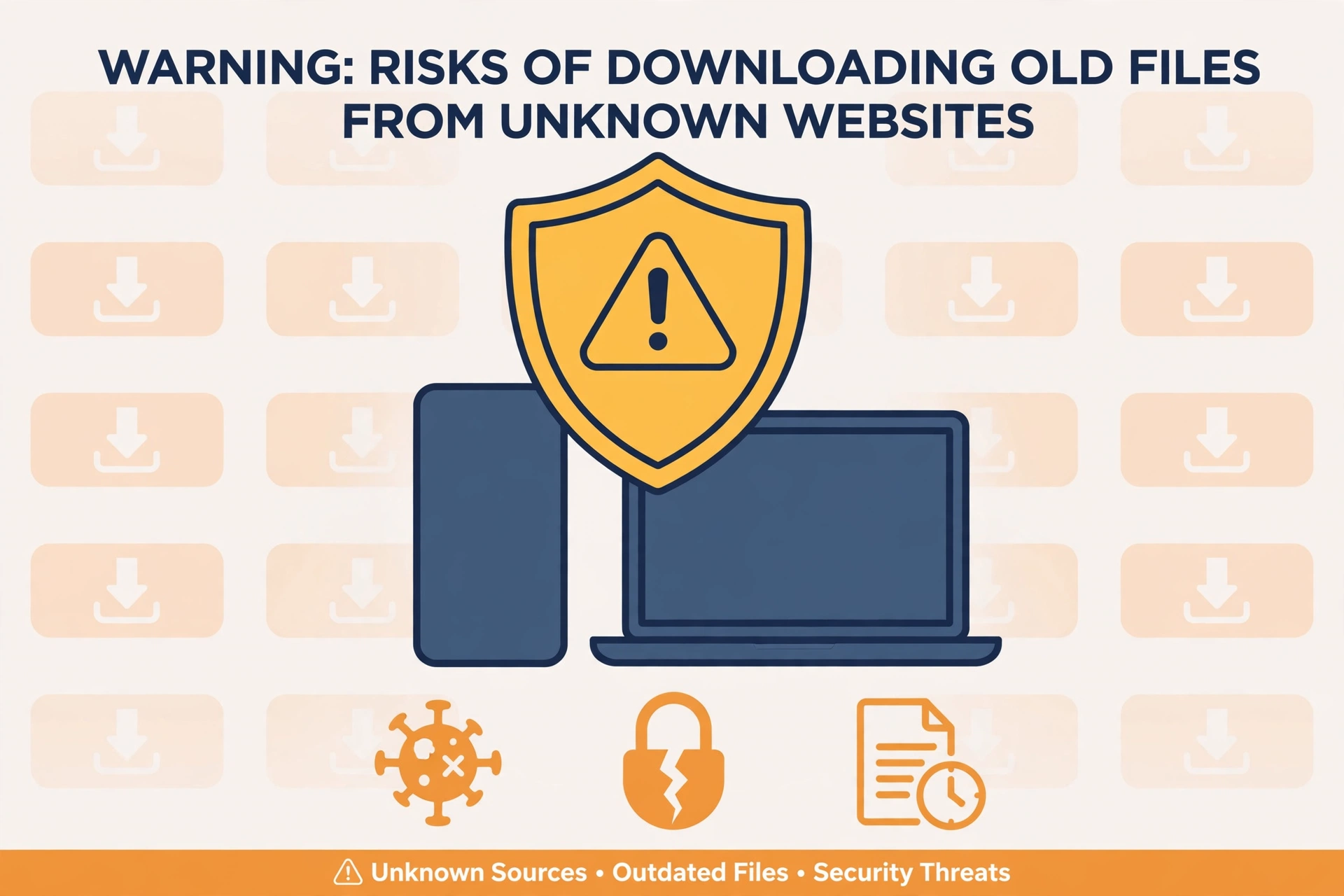
Incompatibility. The build will probably not work with the current Roblox client. You may spend time troubleshooting something that cannot be fixed on your side.
Security risk from untrusted files. Old builds are usually shared through third-party sites and reposts. You cannot easily tell whether a file has been altered. Files from unknown sources can contain unwanted software.
Account risk. Running outdated or unofficial tools can put your Roblox account at risk, including restrictions or loss of access. Nothing here should be read as a promise that any build is safe or undetected.
No support. Old builds do not receive fixes or guidance. If something breaks, there is nobody to ask and no update coming.
False confidence. Sites that offer old builds often describe them in glowing terms. Treat claims such as “working” or “verified” with suspicion. This page does not make those claims about any build, tool, or script.
Taken together, the risk is higher and the benefit is smaller. For most people, searching for an old delta executor download is a poor trade.
What to Do Instead
There are better routes than hunting for an old file.
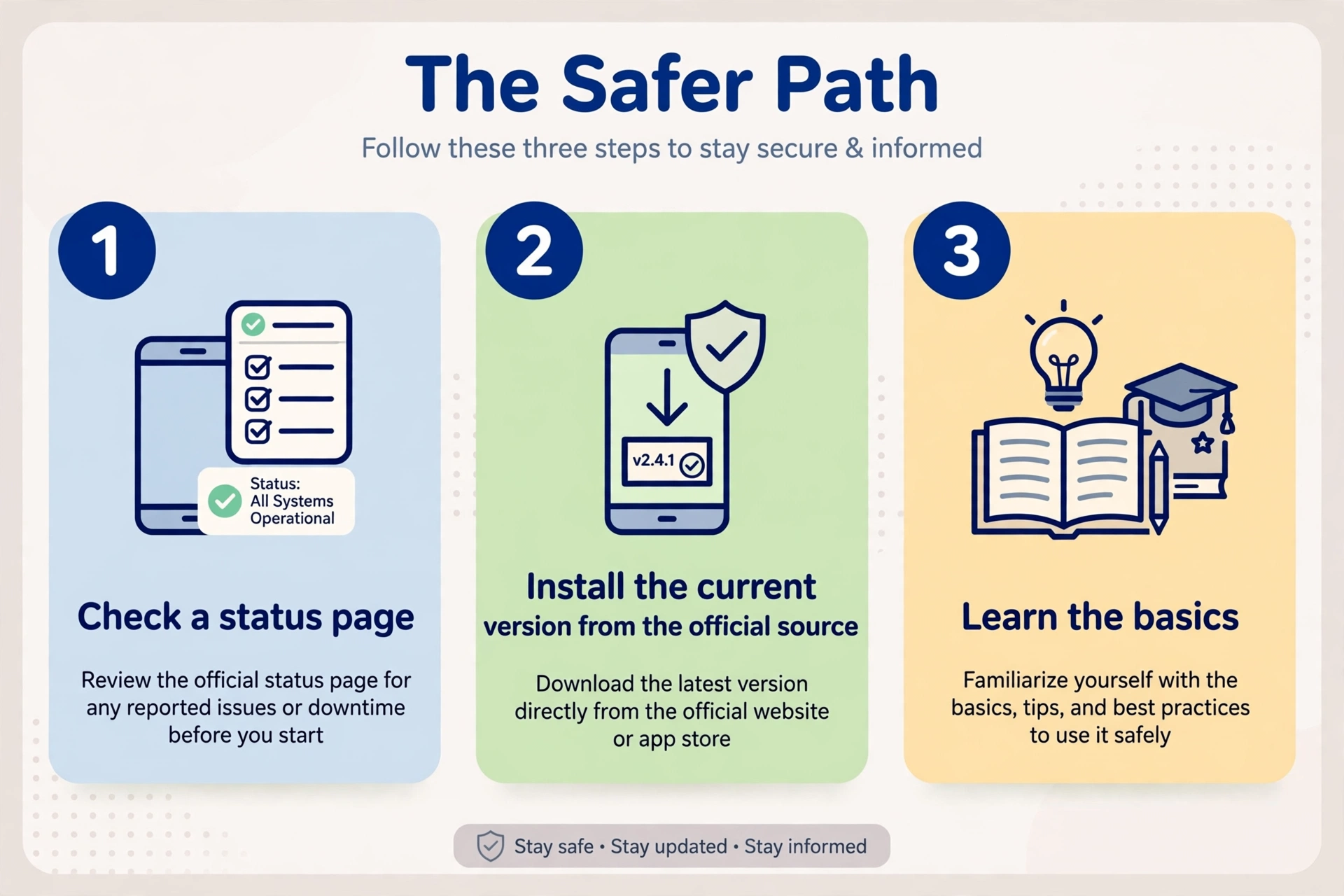
Use the current version from the official source. The current release is the one built for today’s client. Our safe-download guide explains how to find the official source and avoid look-alike sites.
Check the status page. If something is not working, the status page is the first place to look. It helps you tell whether the problem is general or specific to your device.
Learn scripting basics. Understanding how scripts work makes you less dependent on whatever happens to run today. Our Roblox Lua scripting basics guide is a good place to start.
Reinstall cleanly if needed. If the app will not open, remove it and install the current version from the official source rather than looking for an older one.
Be patient after updates. After a Roblox update, tools can need time to catch up. Waiting is often safer than trying unknown files.
Delta Executor Old Versions: Frequently Asked Questions
This page does not offer old versions and does not link to any. We recommend the current release from the official source, and our safe-download guide explains how to find it. Any site that promises a full archive of delta executor old versions should be treated with caution.
It will most likely not work. Old builds were made for older Roblox clients, and client updates and changing protections tend to break them. Check the status page for current information instead of guessing.
No, an old version is not safer. Older builds receive no fixes and are usually obtained from unofficial sources, which adds risk. Age does not make a file trustworthy.
It most likely stopped opening because Roblox or your device changed and the build no longer matches. Updates to the client, your operating system, or app permissions can all cause this. The usual fix is to install the current version from the official source.
Rolling back is not recommended, and this page offers no way to do it. Delta executor previous versions are unlikely to run on the current client, so a rollback usually just trades one problem for another. Moving forward to the current release is the better option.
No, you should be cautious. Sites that offer old builds often cannot prove where the files came from or whether they were changed. Be wary of any page that labels a build as safe, verified, working, or undetected, because those claims cannot be relied on.
Related Guides
- Delta Executor status: general information on availability and what to check before you rely on a tool.
- Where to download Delta Executor safely: how to find the official source and avoid look-alike sites.
- Roblox Lua scripting basics: a plain-language introduction to the language behind scripts.
xdeltaexecutor.com is an independent guide site. It is not affiliated with Roblox or with the developers of any executor. This page lists no specific builds, provides no download links, and makes no claim that any old build is safe, working, or undetected.