

Grow a Garden Scripts for Delta Executor (2026)
Scripts below load from our auto-updating library and are community-submitted — verify before running. A loadstring executes remote code, so prefer open-source hubs and never run scripts from video comments.
The library may also list scripts for Grow a Garden 2 (GAG2), a separate game — check the game before running.
autofarm.lua

Stock bot.lua
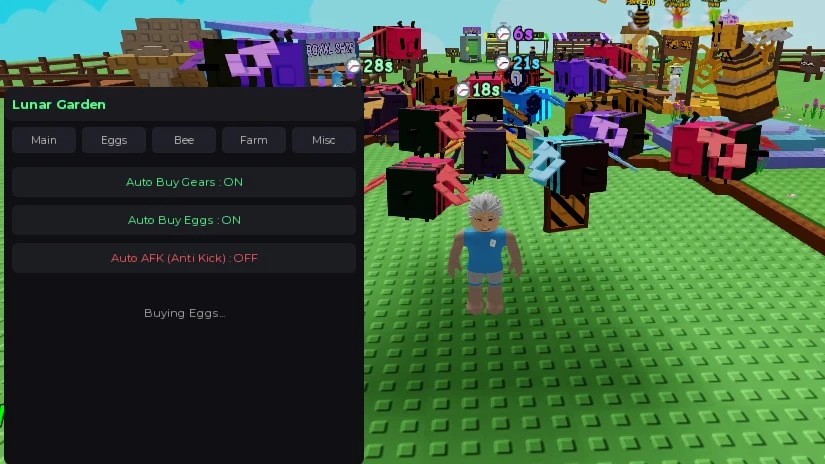
Grow A Garden ( Lunar Garden )
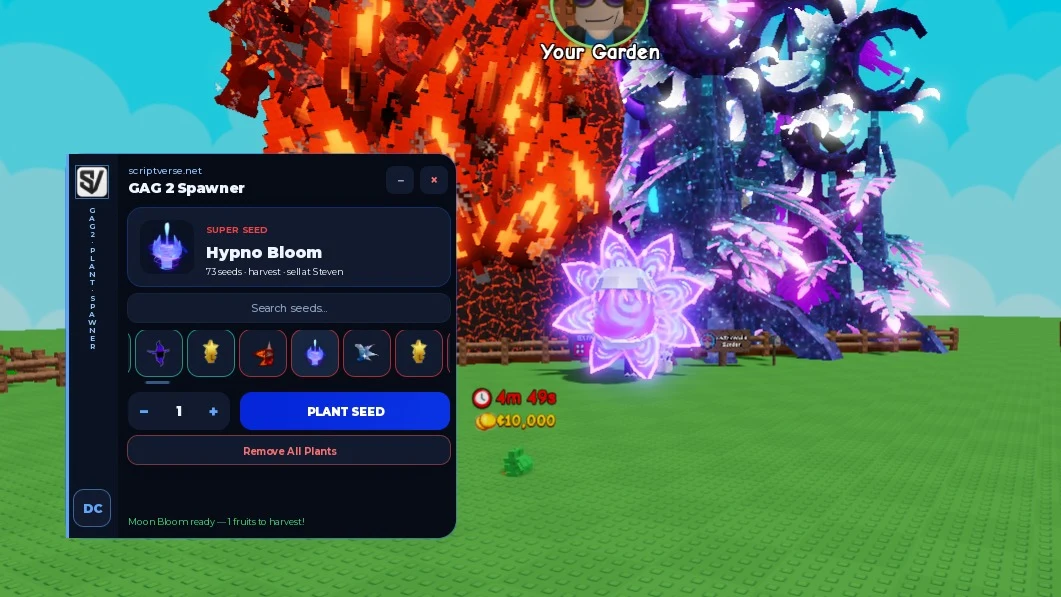
Grow a Garden 2 - Free Plant/Seed Spawner | Grow & Sell
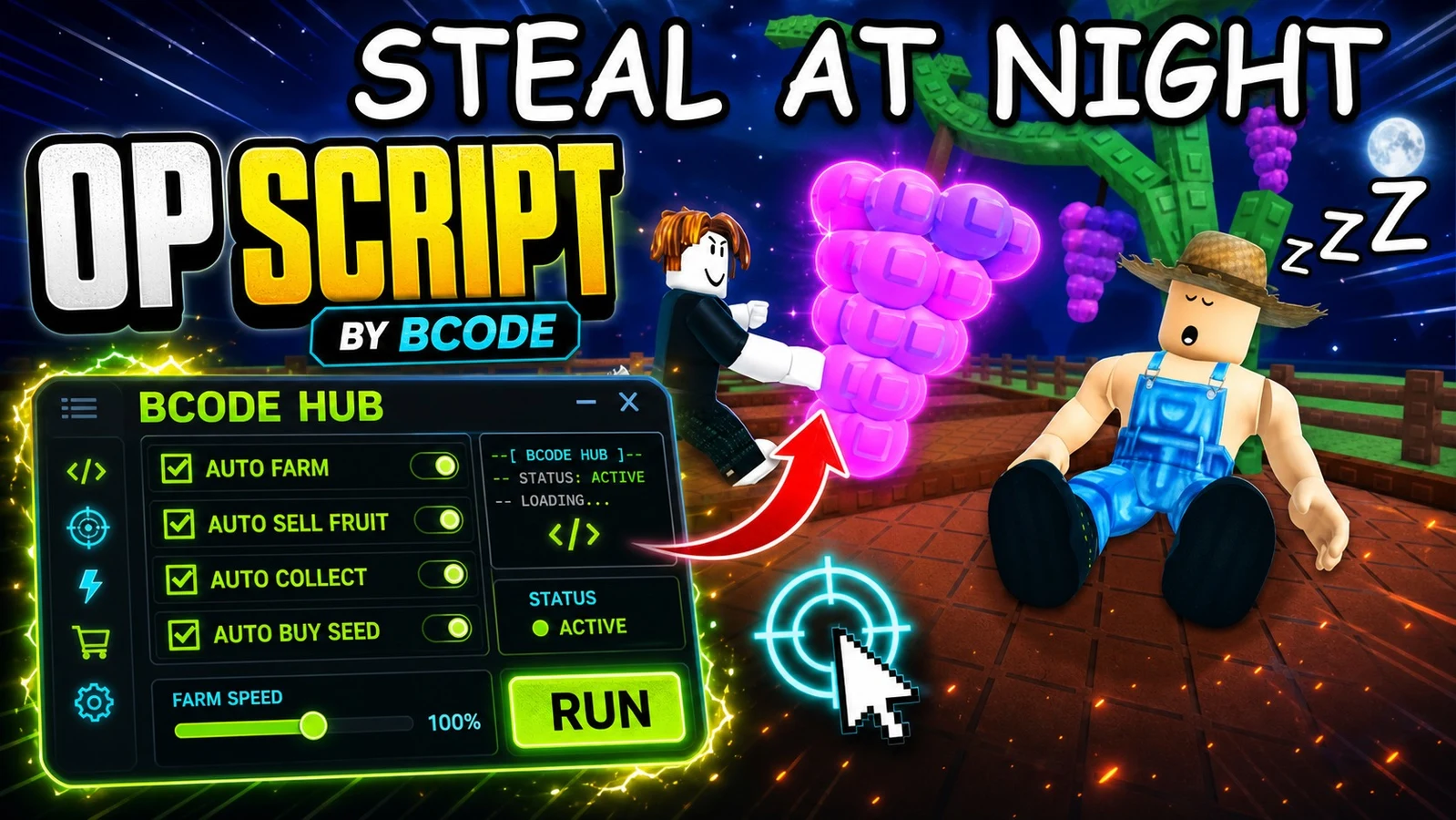
GROW A GARDEN 2 SCRIPT AUTO FARM, COLLECT, SELL BCODE
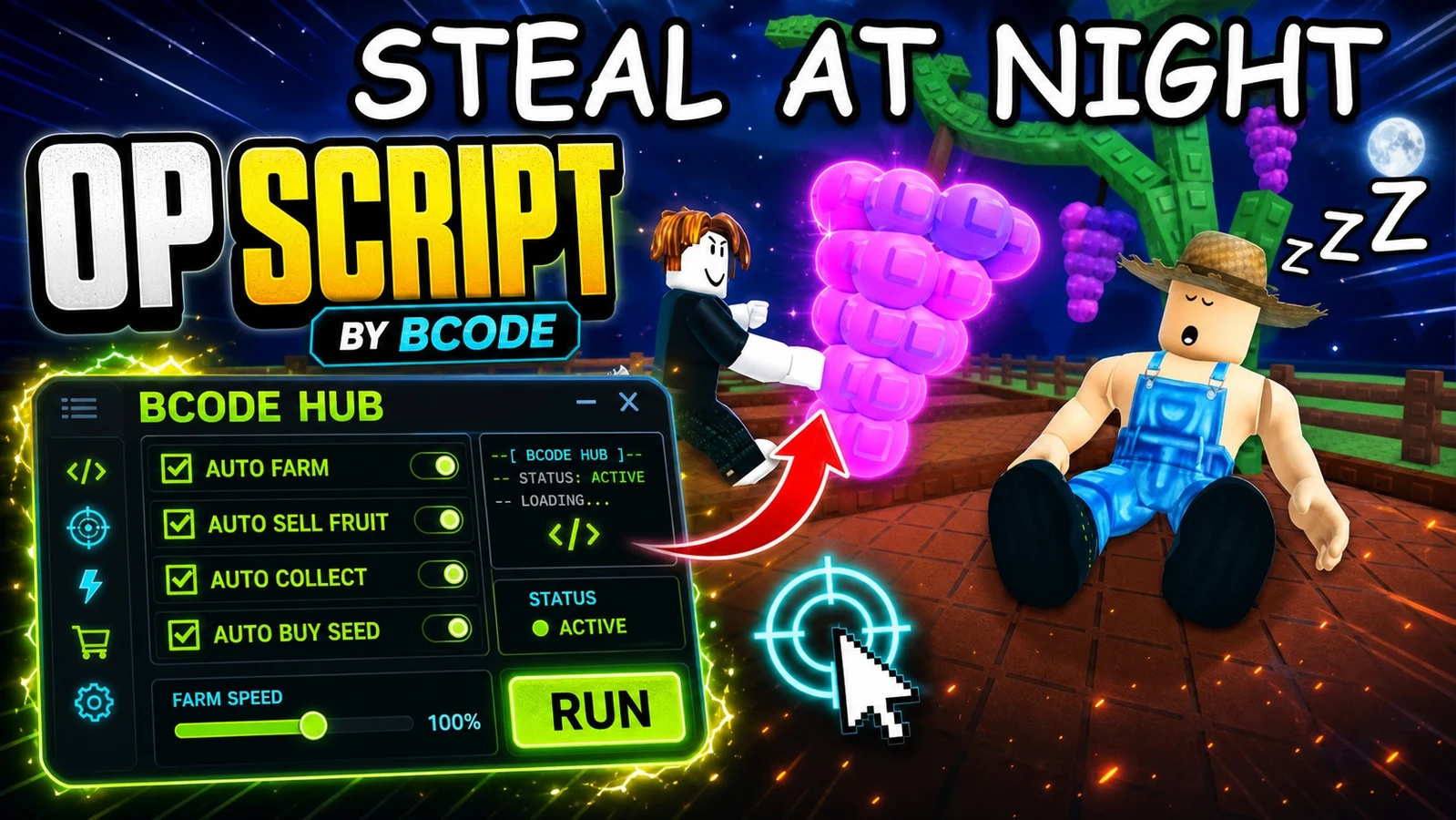
GROW A GARDEN 2 SCRIPT AUTO FARM, COLLECT, SELL, BUY | BCODE
Grow a garden 2 PET SPAWNER!
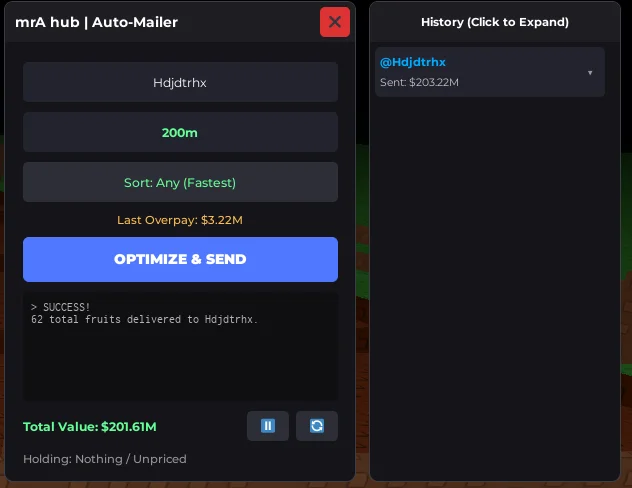
Grow a garden 2 Seller Script
Grow a Garden 2: ROLLBACK AUTO MAIL ZEROIMPACT
Grow a Garden 2 - Vine Wrapper Gear Giver FREE
![Grow a Garden 2 | ADVANCED FARM +STEAL [MOBILE/PC]](https://tr.rbxcdn.com/180DAY-d3506c96f41fb1085677cfc175c2bad3/768/432/Image/Webp/noFilter "Grow a Garden Scripts for Delta Executor 21")
Grow a Garden 2 | ADVANCED FARM +STEAL [MOBILE/PC]
GROW A GARDEN 2 | AUTO HARVEST | AUTO SELL AND MORE
Grow a Garden 2 - Free Gamepass/Mailbox Gifter (Visual)
Grow A Garden 2 | Anti Mailbox Steal
Grow a Garden 2 Auto Plant Auto harvester Auto sell and more
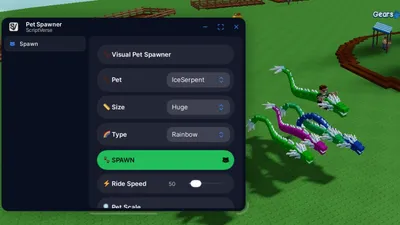
Grow a Garden 2 - Pet Spawner (Visual) Ride and Fly Pets!
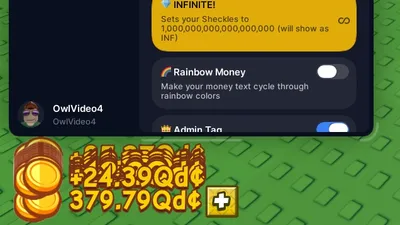
Grow A Garden 2 - Set to Any Amount Sheckles (Visual)
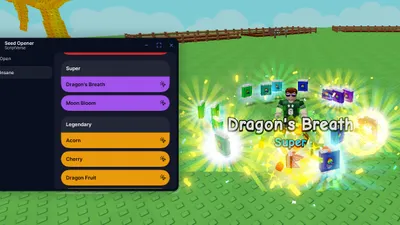
Grow a Garden 2 - Seed Pack Spawner (Visual)
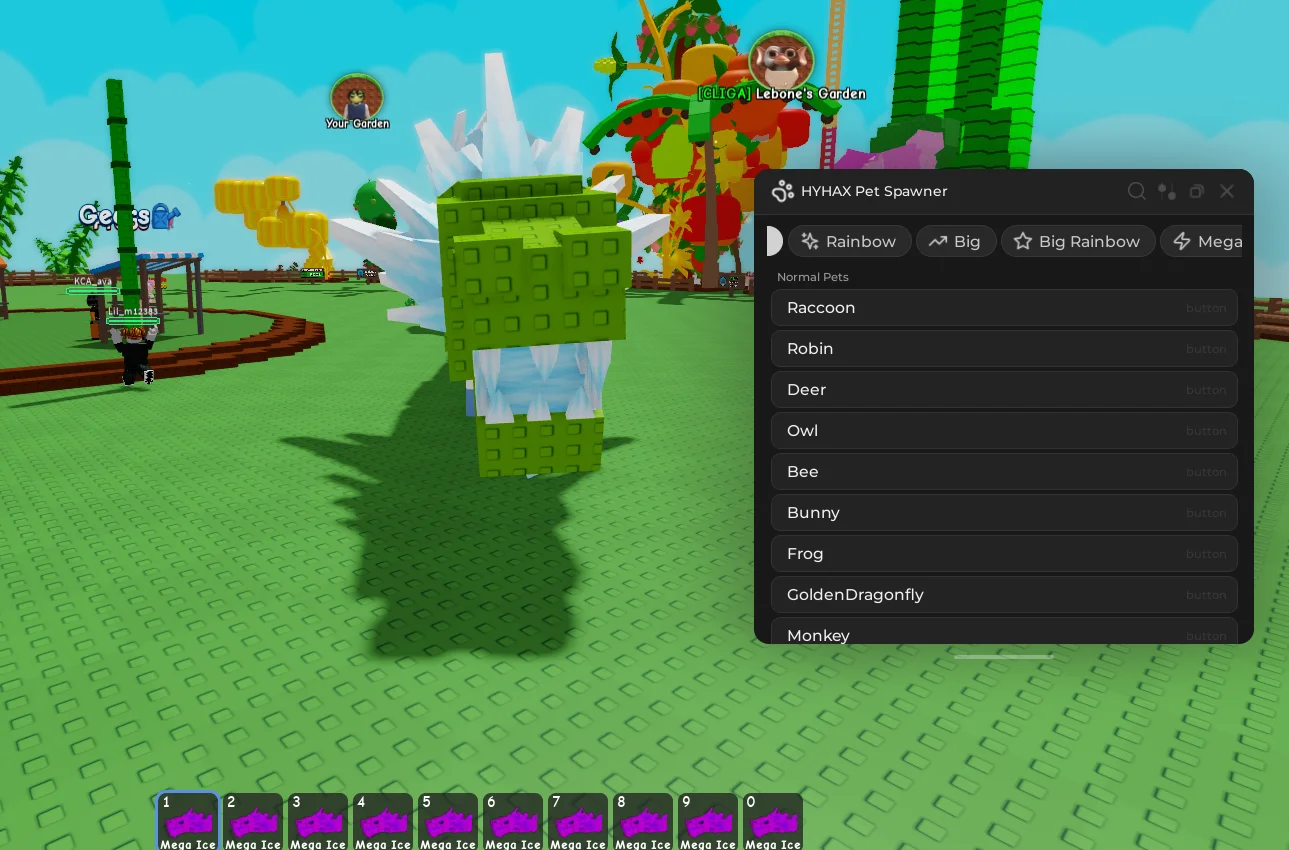
Grow a garden 2 open sourced pet spawner script
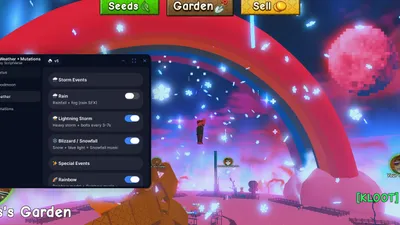
Grow a Garden 2 – Weather & Mutation Panel (Visual) Working
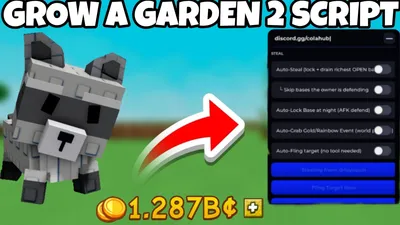
Grow A Garden 2 Script | 100% WORKING AUTO STEAL,Autobuy
Grow A Garden Script Auto Farm
Grow A Garden 2 Script OP
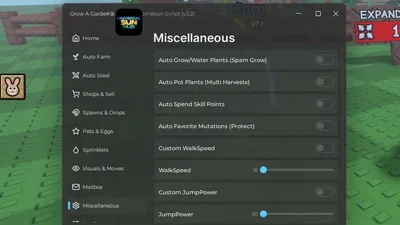
GROW A GARDEN 2 BEST SCRITPT(UNIVERSAL SUN HUB)(FEATURES50+)
grow a garden 2 autofarm
Grow a Garden 2 | AUTO FARM + AUTO STEAL | KEYLESS!
Grow a Garden 2!
Grow a Garden 2 | INSANE AUTO FARM + STEAL HUB (PAID)
Grow a Garden 2
Grow a Garden CRATE ESP | VIEW ITEMS INSIDE CRATE BEFORE OPENING IT | SERVER HOP TO GET A NEW ITEM
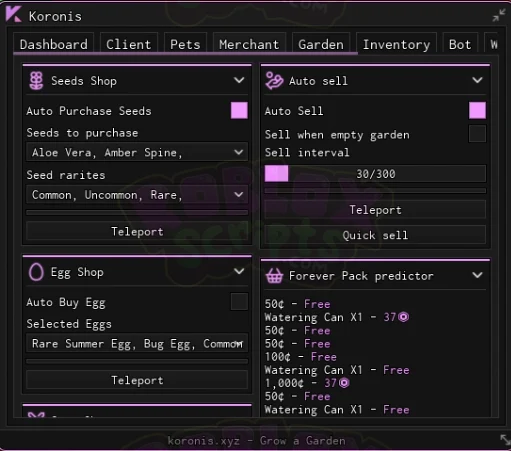
Grow a Garden KORONIS | FULL AUTO FARM SCRIPT | FARM EVENTS & MORE! KEY SYSTEM
Grow a Garden SEED & GEAR SHOP PREDICTION VULN SOURCE CODE AUGUST 2025
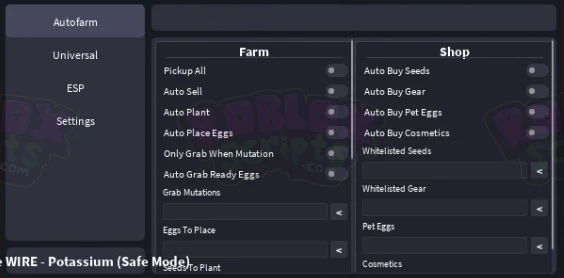
Grow A Garden AUSSIE WIRE | AUTO FARM | KEY SYSTEM | BASIC FARMING
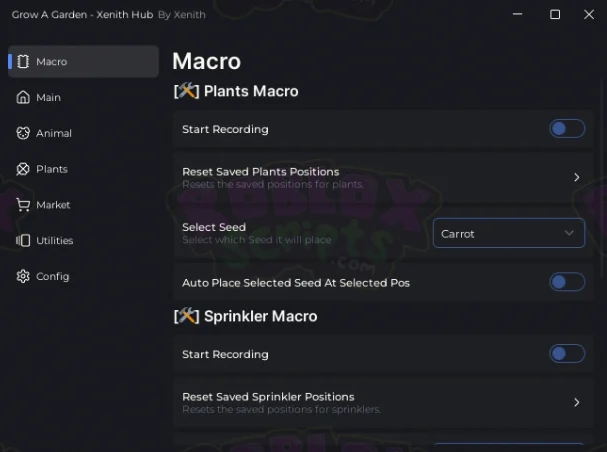
Grow A Garden XENITH HUB - RECORD YOUR OWN MACROS | AUTO FEED PETS & AUTO FARM EVENTS
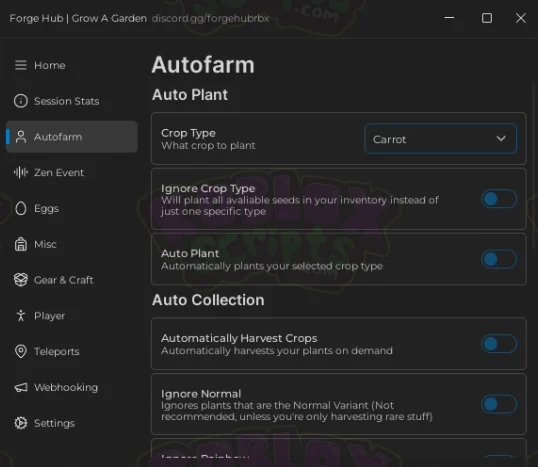
Grow A Garden FORGE HUB - AUTO FARM GUI - EVENT SUPPORT & MORE!
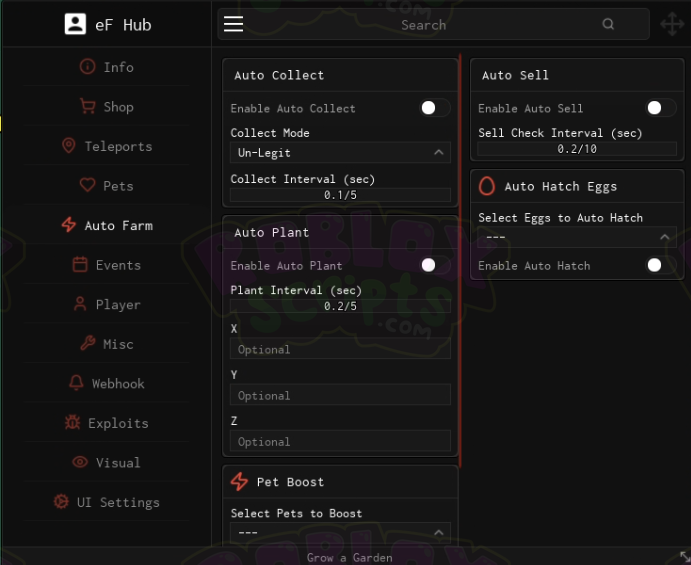
Grow a Garden eF HUB - AUTO FARM - NO KEY SYSTEM - FREE TO USE
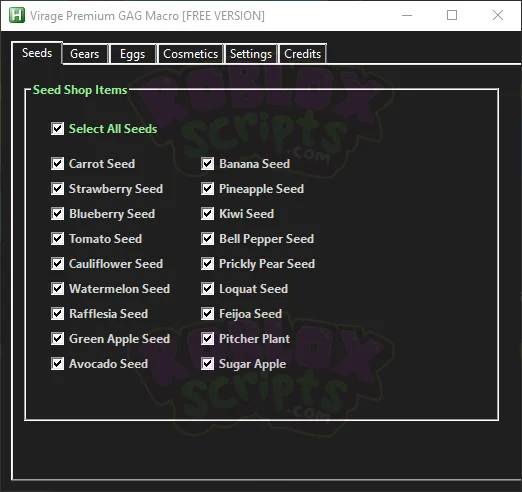
Grow a Garden VIRAGE MACRO - FREE WITH PREMIUM VERSION - NO BAN RISK - AUTO BUY SEEDS | GEAR | EGGS | COSMETICS WHILE AFK & MORE!
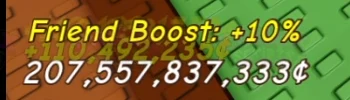
Grow a Garden DUPE SCRIPT | DUPLICATE YOUR SHECKLES | USE BEFORE PATCH! MAY 2025 OPEN SOURCE
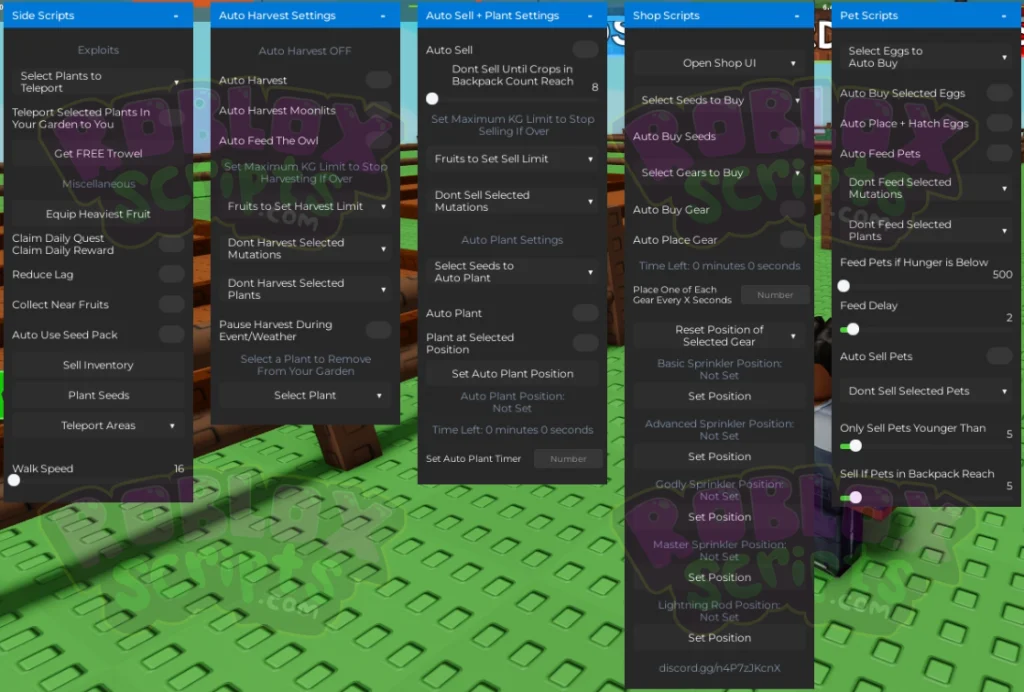
Grow a Garden OP AUTO FARM GUI - NO KEY - AUTO HARVEST | AUTO SELL & MORE! MAY 2025
What this page gives you: the full Grow a Garden script library above — searchable and copy-ready — plus a 3-question picker that matches a hub to your device and goal, last-tested dates on every featured hub, what to do when a script breaks after an update, and honest answers on bans, keys, and fake scripts.
Grow a Garden is an idle game, which makes it script heaven — and script hell. Players run auto-farm, auto-plant, auto-sell, and pet spawner scripts for hours at a time, which means the failure modes here are different: overnight disconnects, overheating phones, spawner features that die with every patch, and a dozen hubs all shouting “KEYLESS” while gating their downloads behind link shorteners. This page is the maintained, dated list the niche is missing: every featured hub below carries a last-tested date, and anything that stops working gets flagged until it’s re-tested.
One disambiguation before you start: “Grow a Garden” and “Grow a Garden 2” are separate games with separate scripts. This page covers the original Grow a Garden. A Grow a Garden 2 script will not work here — check the game title on any script before you paste it.
How this guide was built: the questions and problems above were collected from real user discussions — GitHub issues, YouTube video descriptions and creator notes, TikTok posts, script-page FAQs and error tables, and Delta support guides — cross-checked in October 2026. Reddit, Quora, Stack Exchange, Lemmy, and Hacker News yielded no accessible discussion on this niche, so no claims here rest on them. Where a claim comes from community reports rather than confirmed testing, it’s labeled as such.
Why Grow a Garden scripts stop working (and why it’s not your fault)
Three things kill scripts, and none of them are you doing something wrong. First, Roblox’s anti-cheat patches land frequently — often around monthly — and each one can break how executors inject. Second, Grow a Garden ships updates often, and each one can break automation until the script is patched — script FAQs treat “why did my script stop working?” as their most-asked question for a reason. Third, most scripts are small-team or one-developer projects: if the developer loses interest, the script can go dead within a few game updates.
One Grow a Garden-specific pattern: spawner and dupe modules are the shakiest features in every hub. They drop offline after patches and come back later, while auto-plant, auto-harvest, and auto-sell are the stable core. If your spawner died but auto-farm still works, that’s normal — not a sign you did something wrong. Treat “spawner” claims skeptically, too: many advertised spawner scripts are client-side fakes — visual-only effects that grant nothing real — so confirm what a module actually does from its official source before trusting it.
What to do after a Grow a Garden or Roblox update
- Don’t paste old scripts hoping they’ll work — check the “Last tested” dates in the table below first.
- Check the hub’s official source or Discord for an updated version; never re-download from a random copy.
- Update in this order: Roblox app → Delta Executor → get a fresh key → then test scripts. Skipping the Delta update is the most commonly reported reason “nothing injects” after patch day.
Which hub should you use? Answer 3 questions
There is no single best hub — only the best hub for your situation. Answer these three:
- What device are you on? Android handles most hubs; iPhone needs a hub confirmed working on Delta iOS; PC-via-emulator can run heavier ones.
- What’s your goal? Long AFK auto-farming (sheckles while you sleep) → auto-farm hubs with anti-AFK. Spawning specific pets (raccoon, dragonfly, disco bee, queen bee, red fox) → pet spawner hubs — but note the honesty box below. Event/seed automation → event-feature hubs.
- How strong is your phone? Overnight runs on low-end phones (2–4GB RAM) overheat and crash. Pick a lightweight hub, lower your graphics, and keep the phone on a charger with airflow — hub authors themselves list battery drain and overheating as the downside of mobile AFK farming.
Honesty box on spawners: pet spawners are the most-demanded and the least reliable feature in this game. They break after patches more than any other module, and several creator notes admit spawners do not work on private servers — which directly contradicts the usual “use a private server to avoid bans” advice. If spawning matters to you, confirm the spawner’s current status (not just the hub’s) before you invest an evening in it.
Hub shortlist
| Hub | Best for | Light or heavy | Hub key required? | Delta Android / iOS | Last tested | Status |
|---|---|---|---|---|---|---|
| Speed Hub X | Auto-farm, auto-plant, auto-sell | Medium | Hub may have its own key | Android yes / iOS confirm | Not yet tested — verification pending | Unverified |
| Mozi Hub V4 | Pet spawner focus | Medium | Check hub source | Android yes / iOS confirm | Not yet tested — verification pending | Unverified |
| NatHub | All-round, frequently updated | Medium | Check hub source | Android yes / iOS confirm | Not yet tested — verification pending | Unverified |
| Anukul Hub | Auto-farm + event features | Medium | Check hub source | Android yes / iOS confirm | Not yet tested — verification pending | Unverified |
| Dark Spawner | Spawner-focused | Light–Medium | Check hub source | Android yes / iOS confirm | Not yet tested — verification pending | Unverified |
Hub status below is community-reported. The site owner verifies each hub against the script library and records the test date, Delta version and result — until then, rows are honestly marked unverified.
Run your first script — zero to working
- Install Delta Executor and get your key — see our Delta key guide. The key lasts 24 hours — this is step zero. Nothing runs without a valid key.
- Open Roblox through Delta and join Grow a Garden. Wait until your garden is fully loaded before touching the script hub — running the script too early is a documented cause of errors, and some hubs can take several minutes to fully load their GUI on low-end phones.
- Tap the Delta icon overlay inside the game. The script hub opens: you’ll see a text box (the paste box) and an Execute button.
- Paste the loadstring into the paste box and tap Execute. Then wait — don’t assume failure for several minutes on first load.
- A hub menu should appear inside the game — that’s success. Enable features one at a time rather than everything at once.
- If nothing happens, don’t re-paste blindly — read the “when the script misbehaves” section below.
Grab the latest build from the Delta Executor download page.
When the script misbehaves — direct answers
“It doesn’t work with Delta but works on other executors?”
A missing result doesn’t necessarily mean the script is dead — Delta-specific incompatibility is a real, documented failure class (one GitHub issue on a Grow a Garden hub is literally titled “It doesn’t work with delta”). Check the hub’s official source for a Delta-specific build or an alternative loadstring, confirm you’re on the latest Delta version, and don’t download a different executor from a random link to “fix” it.
“The GUI never appears / the script loads but features don’t respond?”
This is the most aggregated complaint in hub error tables. The usual order of operations: update Delta first, rejoin the game, wait for the garden to fully load, then re-inject. If features load but don’t respond, the script is likely partially patched — check the hub’s update channel rather than re-pasting the same loadstring.
“I got kicked / the anti-AFK didn’t trigger during my overnight run?”
Two separate issues users conflate. Anti-AFK not triggering is commonly reported when the script was injected before the game finished loading — always wait until your garden is fully loaded, then inject. Getting kicked mid-session on long runs is usually memory pressure on low-end phones. For overnight runs: charger connected, graphics lowered, background apps closed, and anti-AFK confirmed enabled in the hub.
“The spawner doesn’t work on my private server?”
That’s a real, documented limitation of several spawner modules — not user error. This is the awkward tension in this niche: private servers are the standard ban-avoidance advice, but some spawners only function on public servers. Decide which matters more to you per session; don’t let anyone tell you both are simultaneously guaranteed.
“The hub asks for another key — is that normal?”
Yes, and it’s the surprise most beginners hit: many Grow a Garden hubs run their own key system (Luarmor, Linkvertise checkpoints, or Discord-distributed keys) on top of Delta’s 24-hour key. “NO KEY” in a video title usually means no script key — you still need Delta’s key on mobile. Delta’s own key is free — never pay third-party sellers for keys, and never enter your Roblox password to get one.
The Delta key, explained (it gates everything)
The 24-hour rule: Delta’s free key expires 24 hours after you get it. Key first, scripts second — every single time.
If your key says Invalid, you most likely typed it or added an extra space — always copy-paste, never type it by hand. Users commonly report that switching networks or restarting the phone can expire a key early, so if your key dies unexpectedly, those are the first things to check. After a Roblox update, key servers are sometimes overloaded — keys can fail temporarily even when correctly generated, so waiting 15–30 minutes and retrying is a legitimate fix.
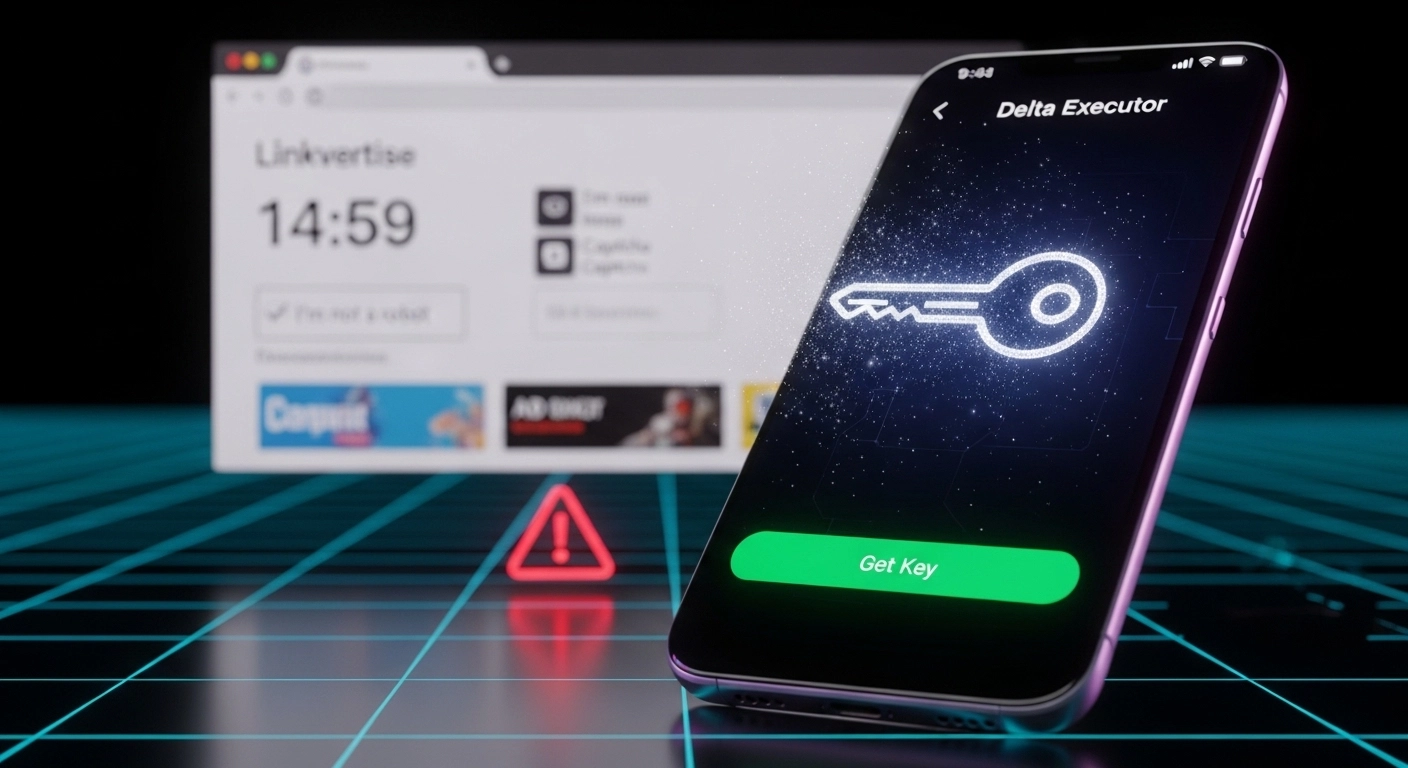
The key page uses Linkvertise/Platoboost checkpoint steps. A legitimate flow never asks you to download extra files mid-task — close any pop-up download tab immediately and tap retry; those are red herrings.
Key-bypass tools and “no key” videos inject malware. There is no safe bypass — key-bypass tools are widely reported to be malware.
Confused by “no key” PC videos? The key flow on Windows may differ; see the key guide — that’s a platform difference, not a trick you’re missing. Mobile needs the key.
Safety — bans and fake scripts (read this once)
Will you get banned? Possibly, yes. No executor is fully safe — every one violates Roblox’s Terms of Service, and “NOT BANNABLE” / “no ban, no lag” in video captions is marketing, not a technical fact. The honest community guidance is the opposite: test on an alt account, since several creators’ own fine print quietly admits exactly that. Treat unattended overnight farming and trade-scam features as the highest-risk behaviors.
Fake “scripts” here don’t look like scripts at all — and that’s the trap. Multiple Grow a Garden videos instruct viewers to download a MediaFire archive and “Run Loader.exe.” Real scripts are pasted Lua text — they are never .exe files, never .apk files, never password-gated archives. Anything asking you to run a downloaded loader is malware until proven otherwise. Most script links are merely broken or outdated rather than malicious — but the malicious ones follow this exact pattern, which is why unverified sources aren’t worth the risk.
Red flags — never run anything that: asks you to download and run a .exe/.apk “script” · asks for your Roblox password or auth cookie · arrives via comment or DM (“comment ‘script’ if you want it fast”) · promises “NOT BANNABLE” or “undetected” as a feature. Get loadstrings only from the hub’s official source — raw GitHub or Pastebin links you can inspect, not shortener chains.
A loadstring runs remote code that the author can change at any time — prefer hubs with public source code, and never run a script you can’t inspect.
If your account is ever compromised: change your password, sign out of all other sessions, enable 2-step verification, and review your login methods — full recovery steps at roblox.com/support — note that session cookies can survive a password change, so signing out everywhere matters.
xdeltaexecutor.com is an independent guide and is not affiliated with Roblox Corporation or the developers of Delta Executor.
On iPhone? Read this
iOS reality check, because this is where most confusion lives. Most Grow a Garden scripts are plain Lua and can run on both Android and iOS — but compatibility varies by hub, so treat iOS support as per-hub, not guaranteed. Delta on iPhone requires sideloading an IPA (via AltStore, ESign, or Scarlet) — an APK renamed to .ipa will never work, and Delta Executor is not the Nintendo Delta Emulator some users confuse it with. When nothing runs on an iPhone, the cause is usually Delta iOS itself (revoked certificate, outdated build) rather than any single script — so fix Delta first, then re-test the script.
Where to check what’s working right now
This page is updated after every Grow a Garden update — the “Last tested” dates in the table are the status signal. For Delta itself after a Roblox patch, the fastest source is the Delta Executor Discord #announcements channel. (Expect hub developers to route their own support into their private Discords — this page exists so you don’t have to join five servers to get a straight answer.)
How this page stays accurate
Hubs in the table are re-checked after each major Grow a Garden update: the hub’s current version is loaded from its official source in Delta, its core features are run, and the date and Delta version used are recorded. If a hub fails verification, its status flips to Unverified and stays that way — visibly — until it passes again. Rows that can’t be verified against an official source are removed rather than left to rot.
Frequently asked questions
Bookmark this page — it’s the maintained, dated list this niche is missing. For other games, browse the full Delta Executor scripts library.
If you play other games too, check out our Blox Fruits and Fisch script guides.