

Delta Executor No-Key Scripts: What Works Without a Key
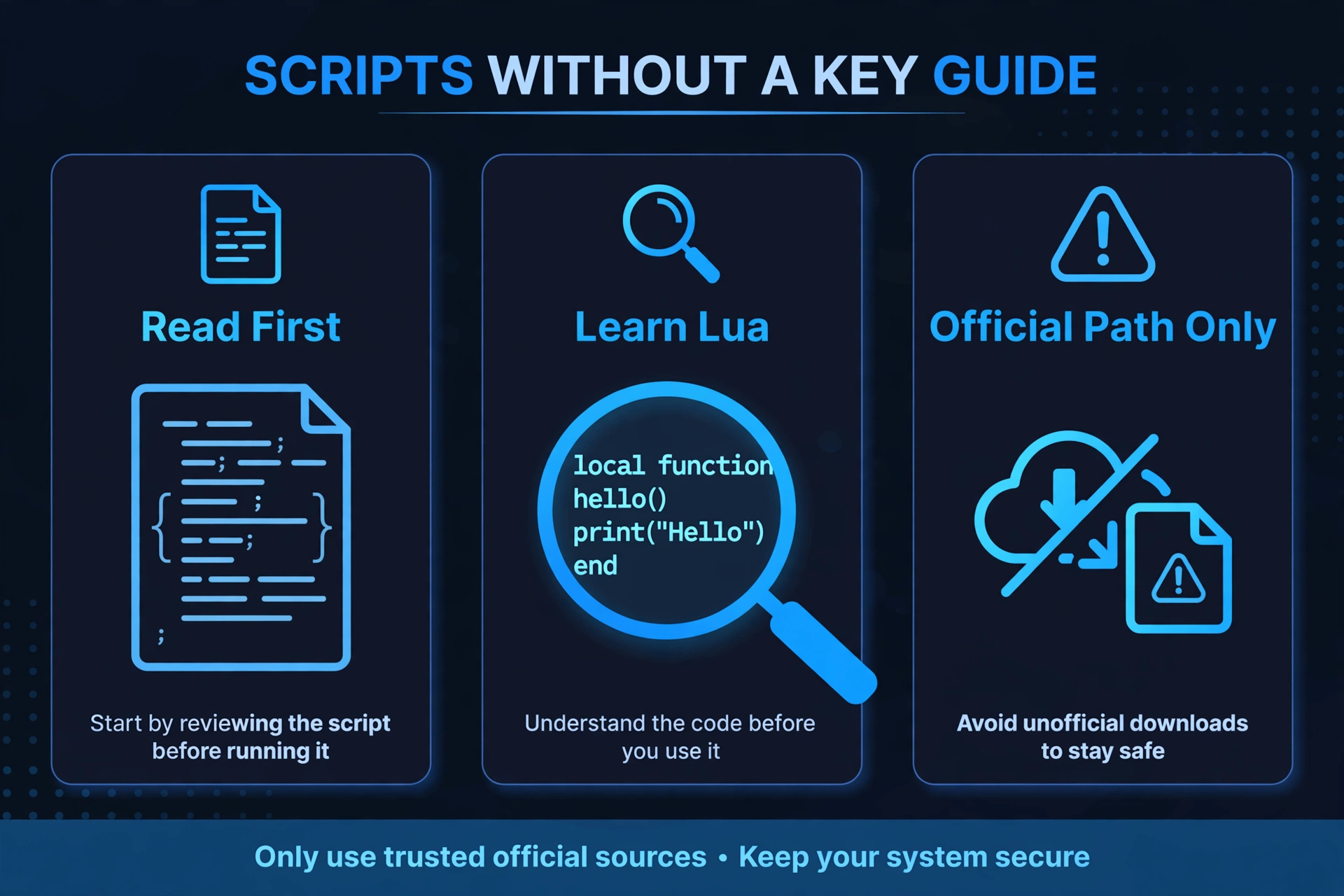
Searching for “delta script no key” usually leads to one of two places: a confusing forum thread or a risky download page. This guide gives you the honest answer, explains what you can safely do without a key, and shows how to spot the scams.
Quick Answers
| Question | Short answer |
|---|---|
| Do no-key Delta scripts exist? | Delta normally needs a key to run scripts. Claims of “no key” access are usually scams or unofficial downloads. |
| What can you do without a key? | Read guides, learn Lua basics, check your own code in a validator, and browse scripts to understand how they work. |
| What should you never download? | Any file sold as a “no-key Delta” version, from a site or video that is not the official source. |
| What is the proper route? | Complete the official key step in the official app and keep your key private. |
The honest answer first
Delta Executor normally needs a key before it will run scripts. That is how the app is set up.
Pages promising “delta executor no key scripts” or “no key delta scripts” are usually one of two things: a scam, or an unofficial download made by someone else.
This guide will not point you to a no-key download, a modified build, or any method for skipping the key step. We do not offer one, and we do not trust anyone who does.
If you came here hoping for a shortcut, the rest of this page still helps. It shows what you can do right now, what to avoid, and how to run scripts the proper way.
What you CAN do without a key
You can learn a lot about scripting without running a single thing. Here is what is open to you:
Read the guides. Understanding what a script does before you ever run it is the best habit you can build.
Learn Lua basics. Roblox scripts are written in Lua. Our Roblox Lua scripting basics guide covers variables, functions, and the core ideas in plain language.
Check your own text with the validator. If you write or edit your own code, the Lua validator can help you spot general syntax mistakes. It checks the text you give it. It does not run anything, and it does not tell you whether a script is safe to use.
Browse the script library to understand scripts. Our Delta Executor scripts library is a good place to see how scripts are structured and what they are meant to do. Reading is not running, so you can explore freely.
Plan what you want to run. Decide which game you play, what you want to change, and why. A clear plan makes it easier to judge any script later.
None of this needs a key, and none of it puts your device or account at risk.
Why delta script no key downloads are risky
The risk comes from where these files come from. In general terms, the problems look like this.
Unofficial files. A file from an unknown site was made by someone you know nothing about. You cannot tell what it contains.
Modified builds. A “no-key version” is, by definition, not the app as originally made. Someone changed it, and you cannot know what else they changed.
Account risk. Your Roblox account details are valuable. Careless downloads and login prompts are a common way accounts get lost.
Device risk. Files from unreliable sources can cause problems on a phone or a PC, from annoying pop-ups to far worse outcomes.
We do not call any tool or download “safe” or “verified” because we cannot guarantee that for you. What we can say is that unofficial no-key files carry extra, avoidable risk. If you want to read more about getting the app from the right place, see our safe-download guide.
We will not link to any no-key download, and neither should anyone you trust.
How to tell a scam no-key claim
Scam pages follow patterns. If you see several of these, close the page.
Promises of instant access. “No key, no wait, works instantly” is a hook, not a fact.
Payment asks. Be wary of anything asking for money to “unlock” a no-key version.
Personal detail asks. A site asking for your password, email login, or other private details has no reason to need them.
Downloads from an unknown site. If you cannot tell who runs the page, treat the file as untrustworthy.
Comments praising it. Glowing comments under a video or page are easy to fake, and they prove nothing.
Pressure and urgency. Countdown timers and “limited time” banners are designed to rush you.
A good rule: the more a page promises a “delta script no key” miracle, the less you should trust it.
If you want to run scripts properly
The proper route is simple and short.
Go through the official key step. Delta uses a key system, so complete it as the app asks. It is part of how the app works, not a flaw to get around.
Keep your keys private. Do not post your key publicly or hand it to strangers.
Use the official app source. Get the app from the official source, not from a link in a video description or a comment. Our safe-download guide explains what to look for.
Understand a script before you run it. Read it, learn what it does, and use our Lua basics guide if the code looks confusing.
Even when you follow every step, nothing in this hobby is risk-free, so stay cautious.
FAQ
Are there any real no-key scripts?
The scripts themselves are just code, but Delta normally needs a key before it will run them. Pages claiming “no key delta scripts” are usually trying to sell you something or push an unofficial download. Browse our script library to learn how scripts work, and treat any “no key” promise with suspicion.
Can I test scripts without a key?
You can read and study scripts without a key, but you cannot run them in Delta without one. Reading, learning, and checking your own code with the Lua validator all work without running anything.
Why do videos claim no-key works?
Videos claim it because it gets views and clicks. Many are made to send viewers to a download page or an ad. A confident title is not proof, so do not follow links in descriptions or comments.
Is a no-key version safer?
No, a no-key version is not a safer choice. It is usually an unofficial or modified file, which adds risk instead of removing it. The official route is the better option.
What if I already downloaded one?
Stop using it and do not enter any account details. Remove the file, and if you typed in a password anywhere, change it right away and turn on extra protection for your account. If something feels wrong with your device, consider asking a trusted person or a professional for help.
Do I need a key every time?
We cannot say how long a key lasts, because that is set by the app and can change. Check what the official app tells you when you open it, and follow its instructions.
Related Guides
Note: this guide covers scripts that work without a key. For what the “keyless” label means, see what keyless scripts are.