

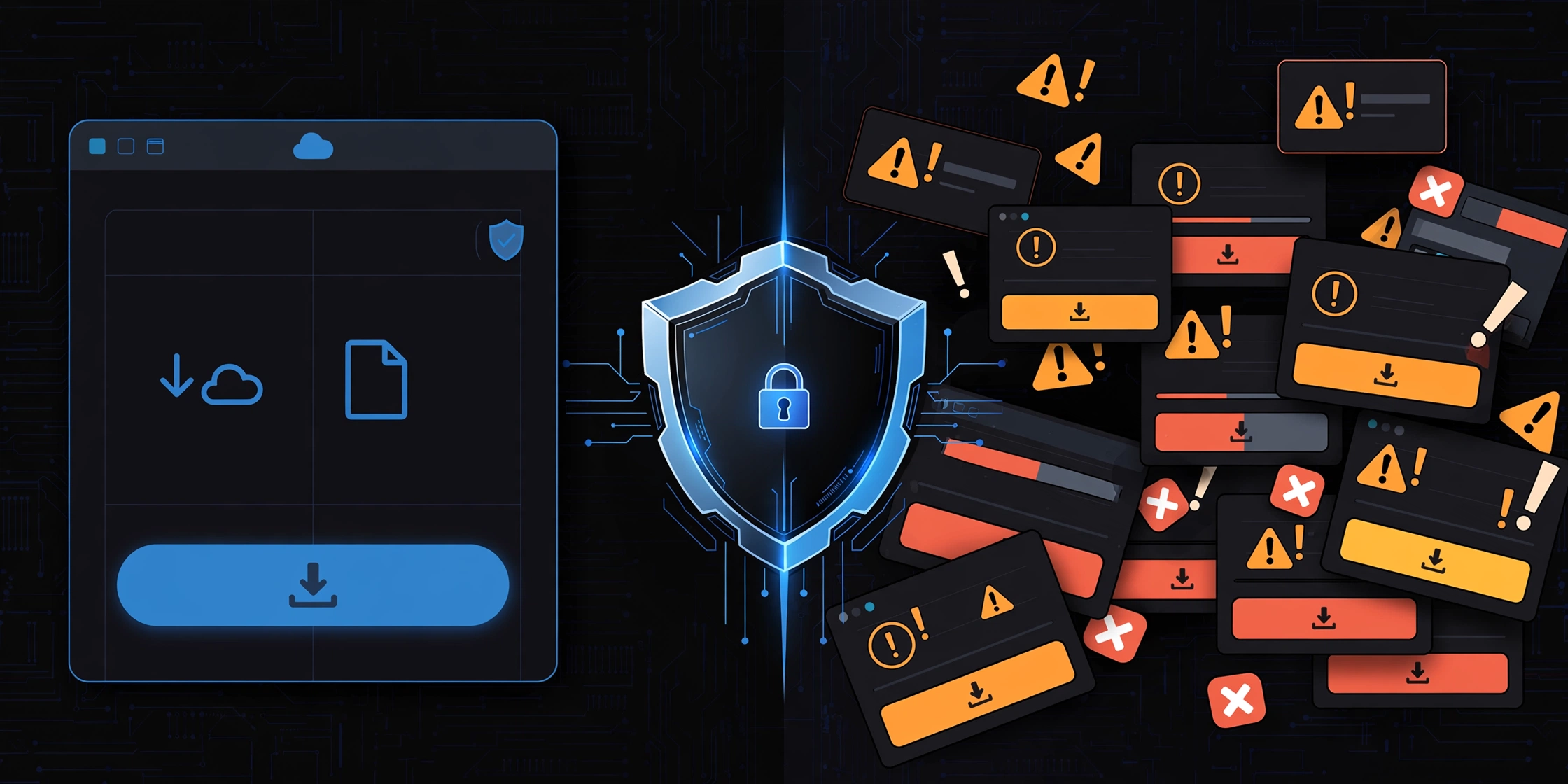
How to Spot Fake Delta Executor Downloads
They all say “official.” That is the core problem. Multiple sites claim to be the official Delta Executor source, and there is no independent way to verify which one is real. This guide helps you navigate that reality.
Why “real vs fake” is the wrong question
When every site claims to be official, looking for the “real” one is frustrating. A better approach: learn the red flags that indicate a download is dangerous, regardless of what the site claims.
Strong red flags
- The download page asks for your Roblox password. Legitimate downloads never do this. This is phishing.
- Countdown timers, excessive popups, or aggressive redirects. Normal download pages do not do this.
- The site pushes “mod,” “premium,” or “no-key” versions as the main download. These are high-risk.
- You are asked to run terminal commands or install from unknown portals with fake ratings.
- The APK is offered through Telegram or Discord DMs from strangers. (Note: Discord can be a legitimate community channel, but files from strangers are not safe.)
Weak signals that mislead
- “No about page” or “many download buttons.” These are weak indicators. Many sites have multiple buttons for different variants (standard, ARM32, VNG).
- Version number contradictions. These exist across many sites, including ones claiming to be official. Not a reliable signal.
- “Survey required.” Some key systems use gates or timers, which is different from surveys asking for personal information.
The key flow versus a scam
Legitimate key systems may involve waiting, timers, or ads. Scams ask for personal information, passwords, or payment. Learn the difference.
Checks that work
1. Use the same source consistently; do not switch sites for each update
2. Never enter your Roblox password on a download page
3. Check the file size is reasonable for an APK
4. If Play Protect warns you, read the warning carefully
5. Avoid “fixed for update” APKs from random sites after Roblox updates
6. Do not install from comment links or random mirrors
7. Keep your device’s security settings on
If you entered your password or installed something suspicious
1. Change your Roblox password immediately
2. Enable two-step verification
3. Log out of all sessions
4. If you reuse passwords, change them on other sites too
5. Consider the device compromised if you installed an unknown APK
A note on risk
Delta is a third-party tool not endorsed by Roblox. Using it violates Roblox’s terms.
FAQ
How do I know which site is the real official one? There is no independently verifiable official site. Multiple sites claim the title. Focus on red flags rather than finding the “real” one.
Delta asked me to log in. Is that normal? On a web download page: no, this is phishing. In the app itself, login behavior varies by build.
I entered my password on a download page. What now? Change your password immediately, enable two-step verification, and log out all sessions.
Bottom line
You cannot verify which site is truly official. Instead, avoid the clear red flags: password requests, aggressive popups, stranger DMs, and “fixed” APKs from random sites.
Related: where to download Delta Executor safely.